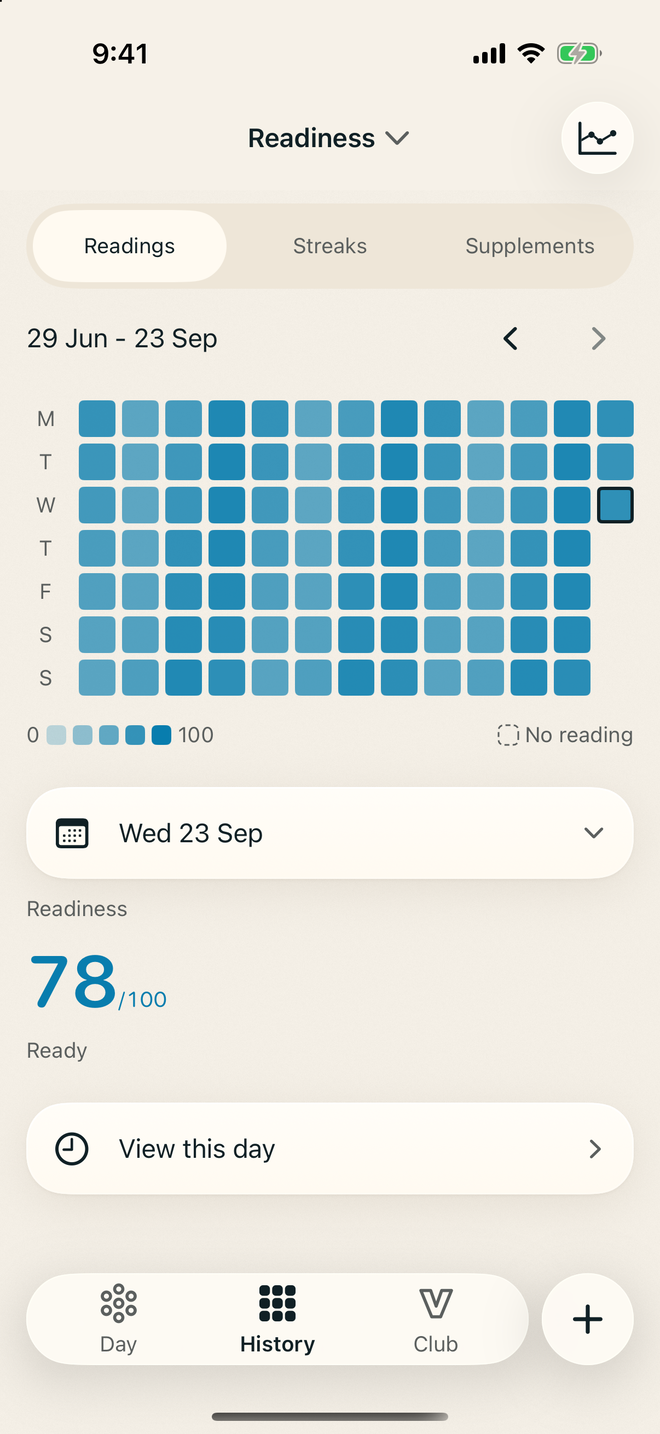
History
Look back on any day.
Thirteen weeks of readiness at a glance. Tap a day to see how it went.
 VITAL
VITALVital reads Apple Health and gives you one clear reading each morning. The detail is there when you want it.
Download on theApp StoreMade for iPhone. Works with Apple Health.
New in Vital 3.2.13A fresh look, plus Siri, controls and new widgets.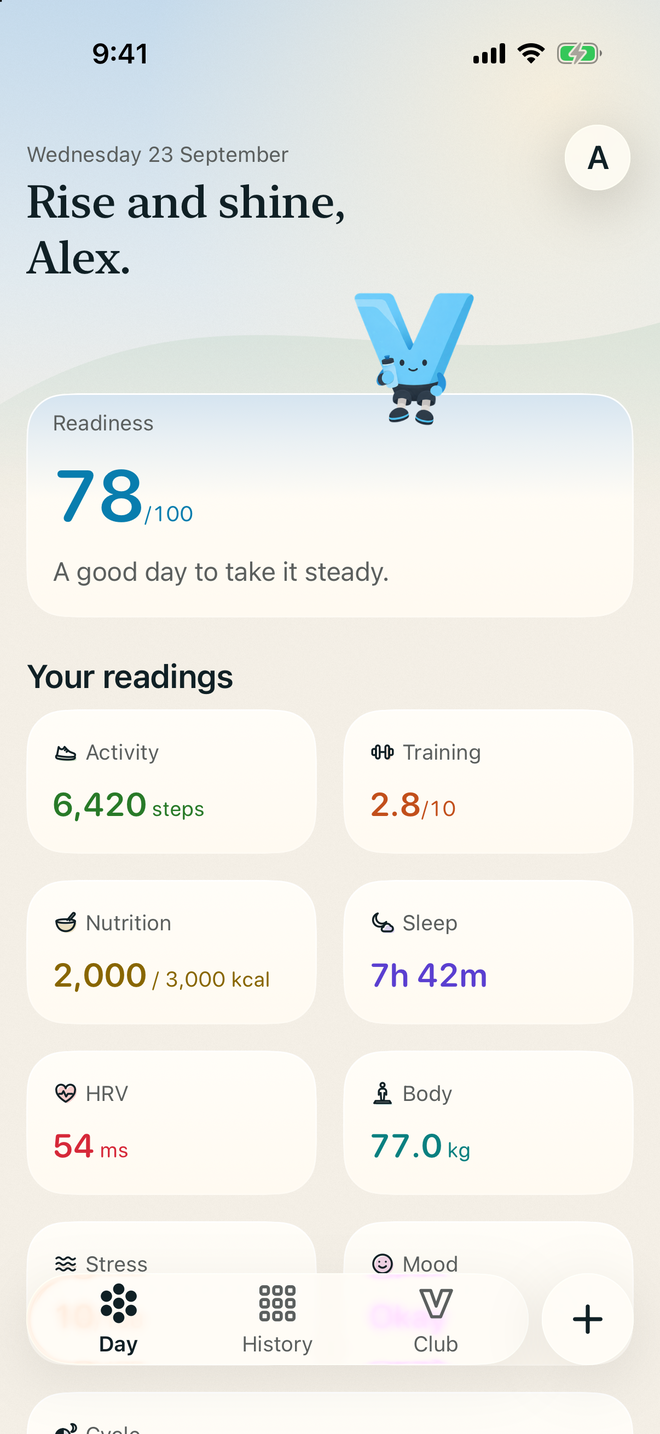
Readiness
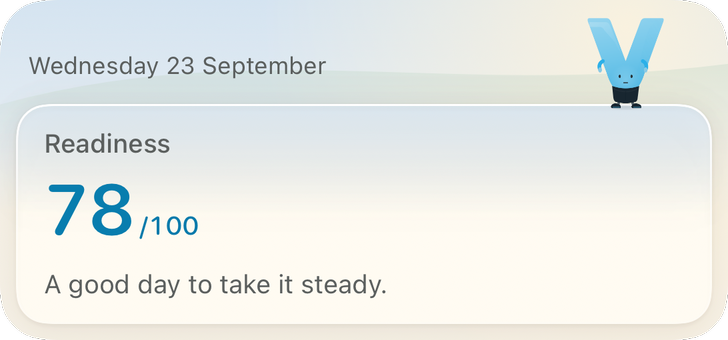
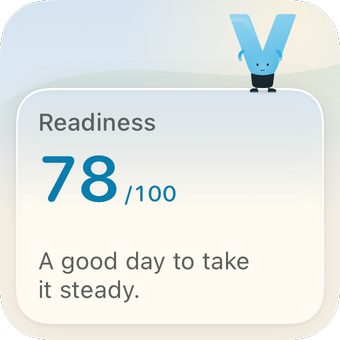
Each morning Vital compares your sleep and heart readings with your usual, then gives you a readiness score out of 100 and one sentence on how to take the day.
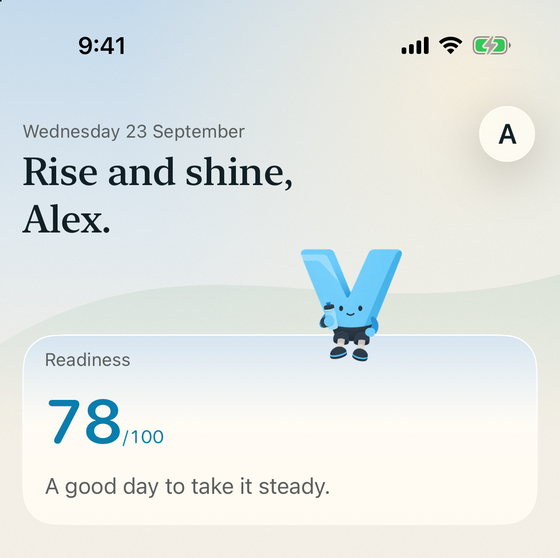
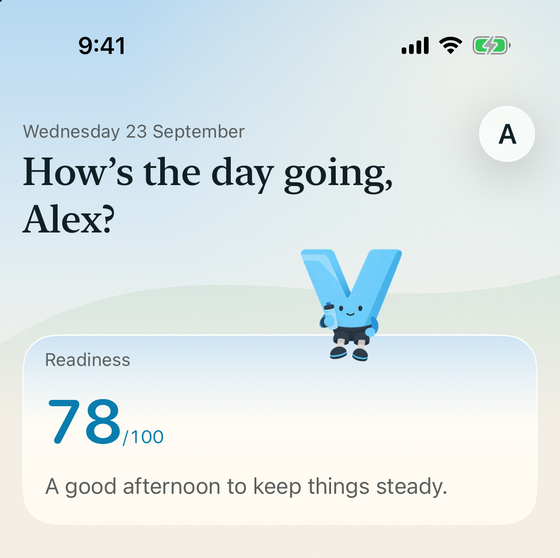
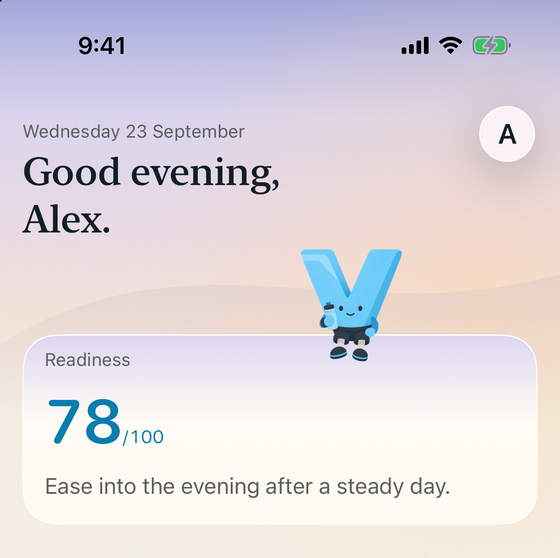
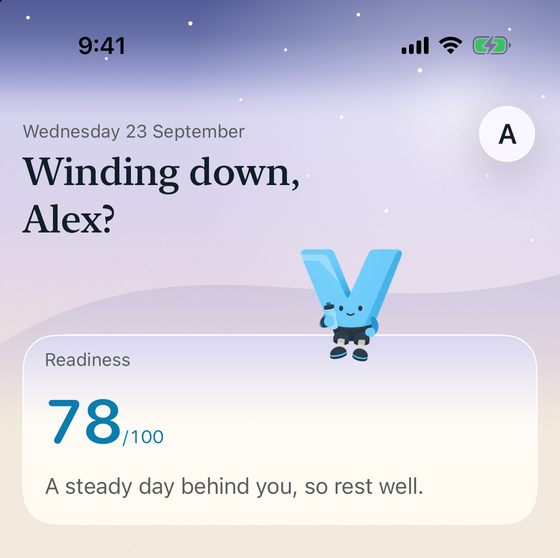
Every reading on your Day opens its own page.
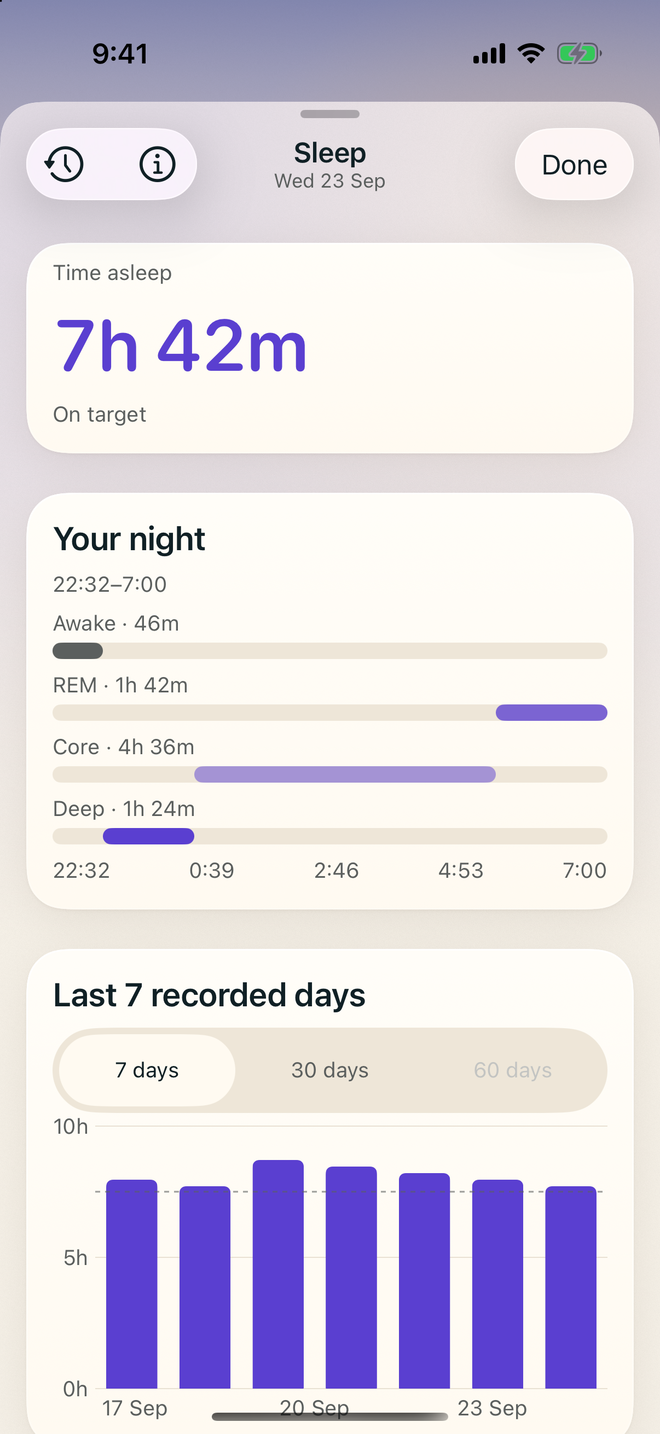
Sleep
How long you slept, your stages and how the night compares with your target.
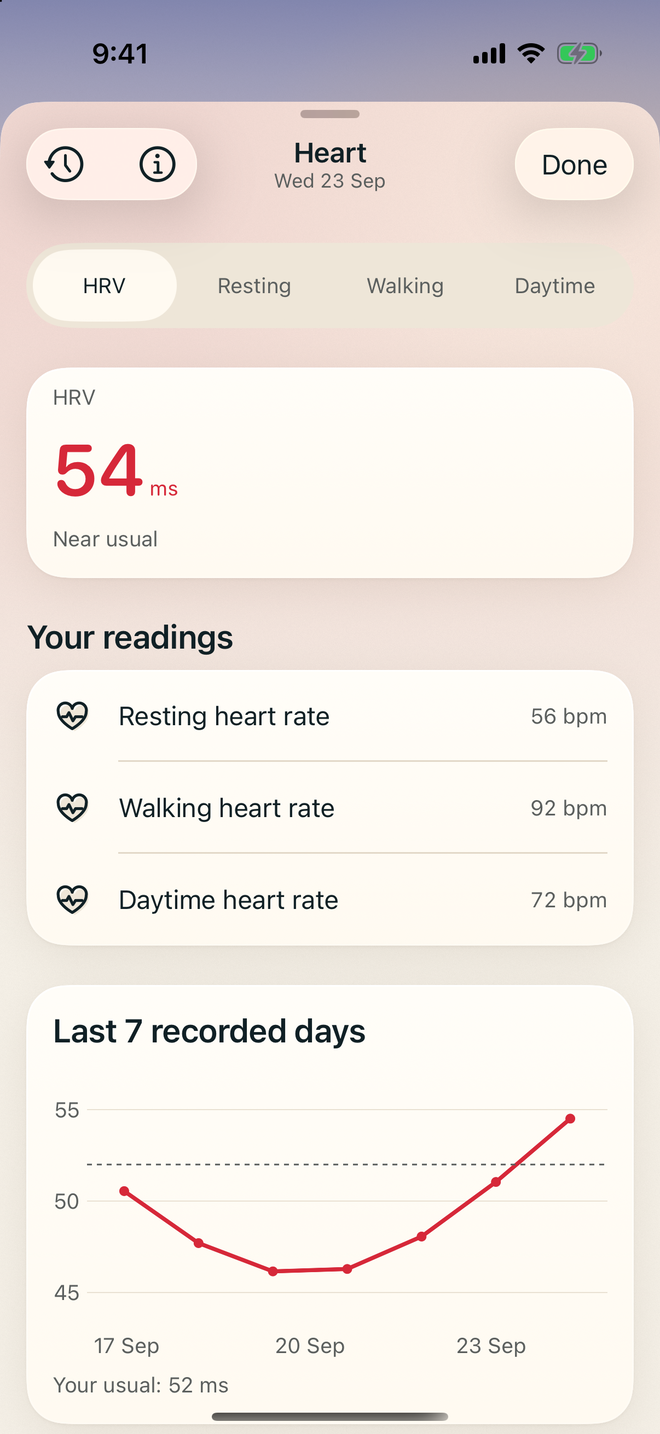
Heart
Resting heart rate and heart rate variability, read against your usual.
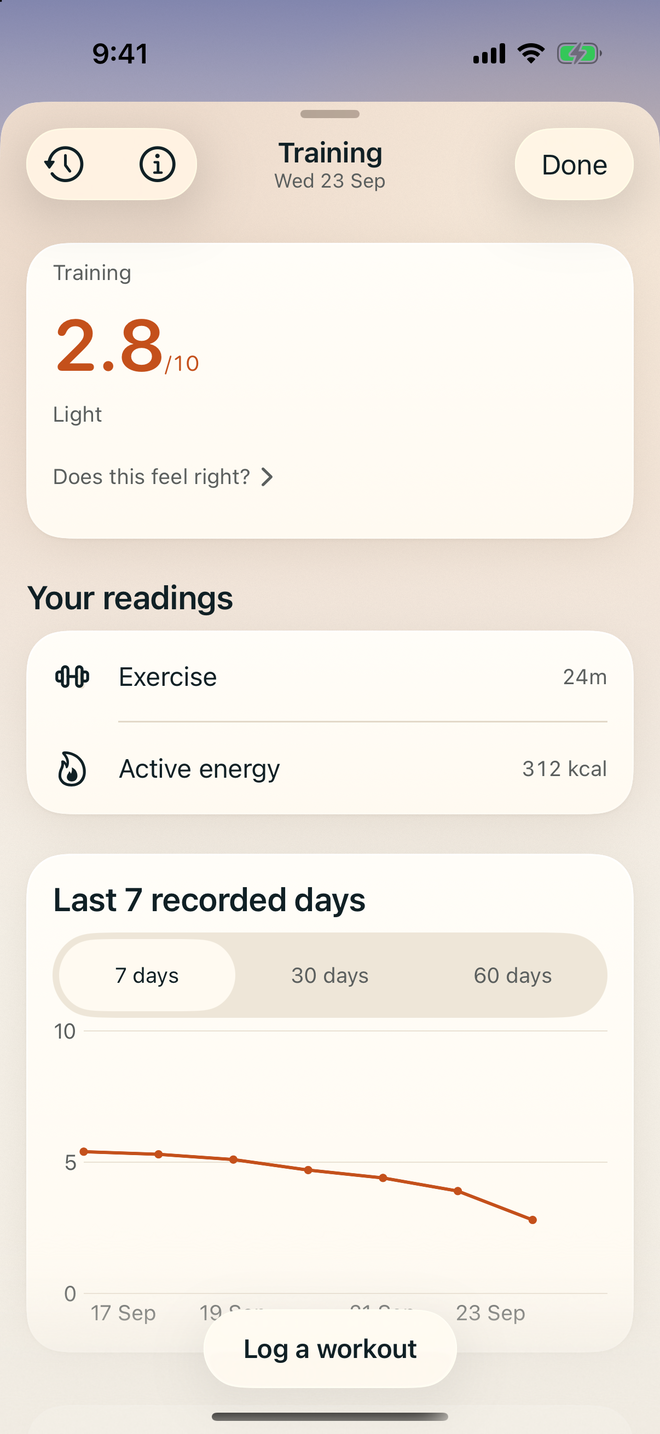
Training
How hard your body worked today, from 0 to 10, with every workout you log.
Workouts
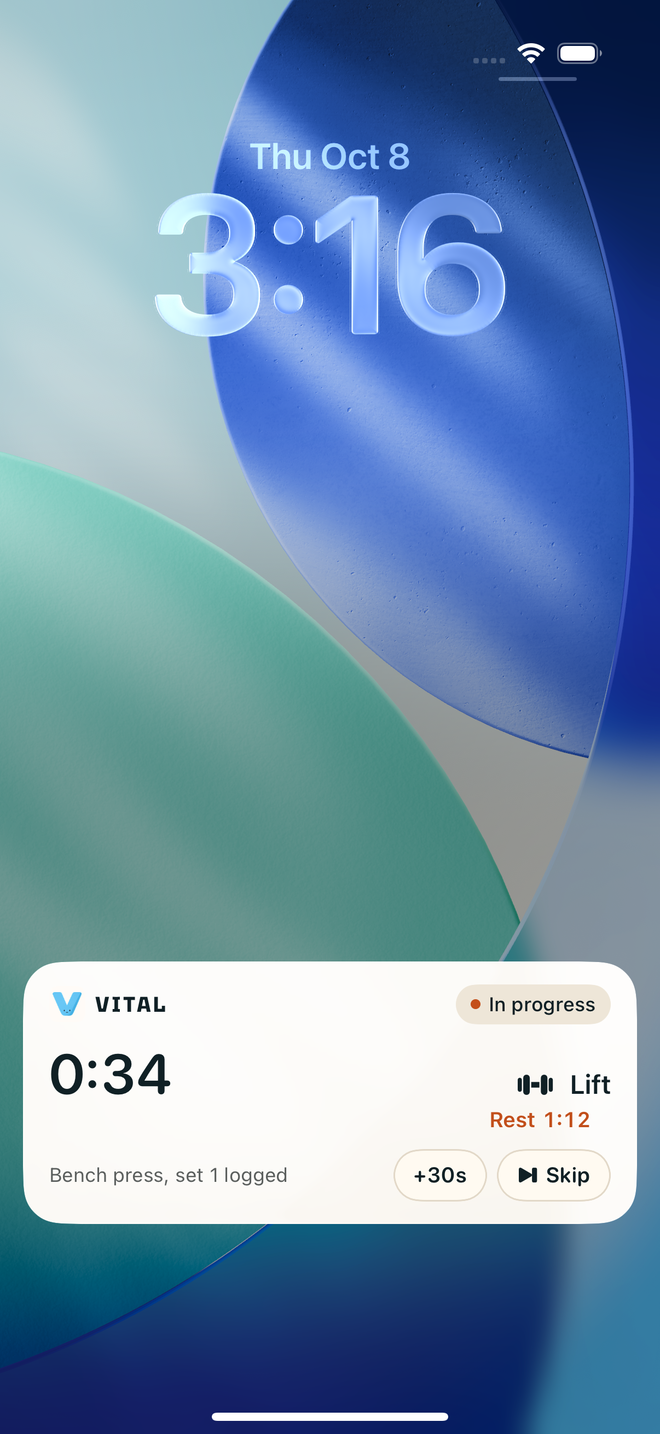
Log sets as you go. Your session and rest timer stay on the Lock Screen and in the Dynamic Island, with +30s and Skip to hand.

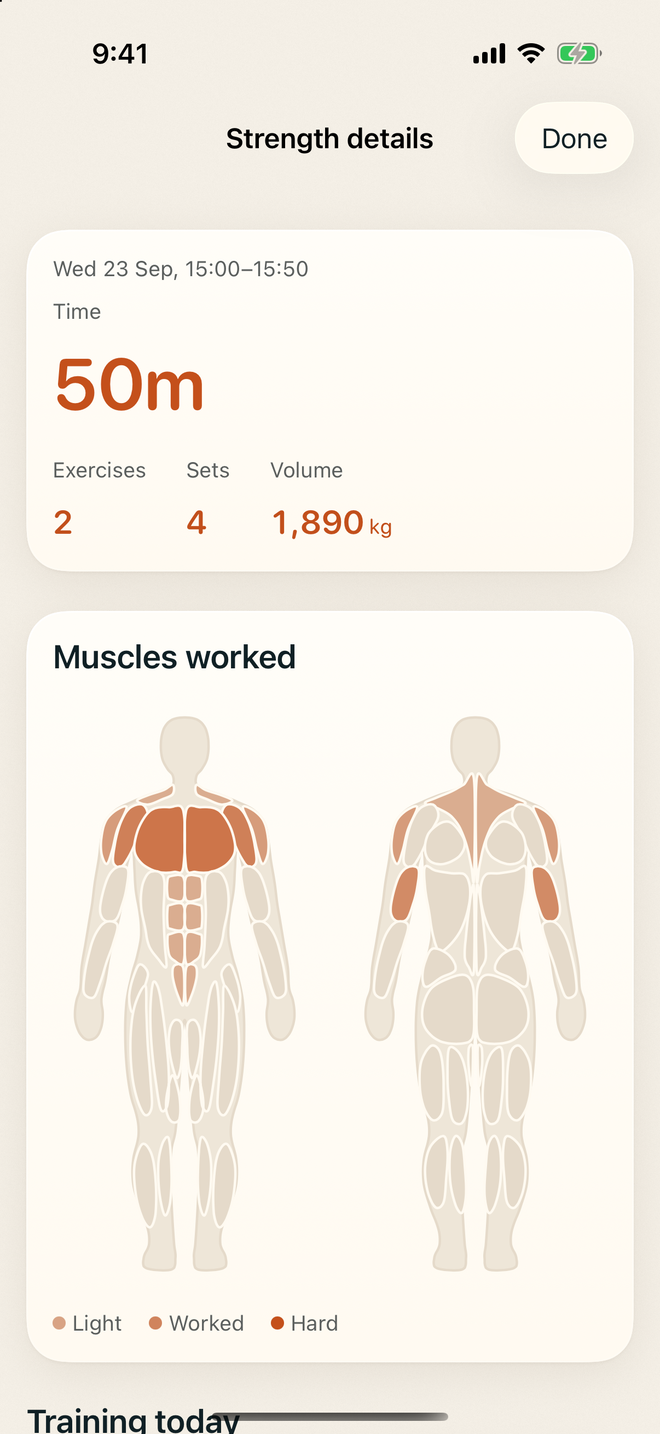
When you finish, see which muscles you worked and how hard.
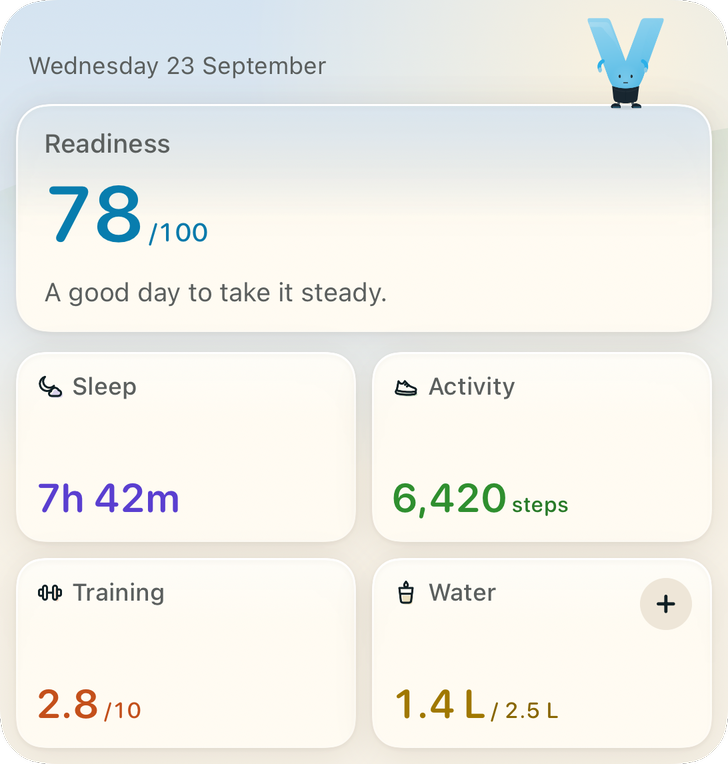
Readiness, water and your Day on the Home Screen, and readiness on the Lock Screen.
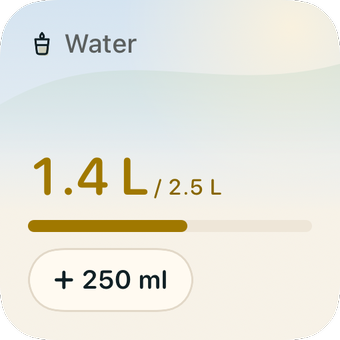
Start a workout or log water from Control Centre, the Lock Screen or the Action button.
History
Thirteen weeks of readiness at a glance. Tap a day to see how it went.
Nutrition
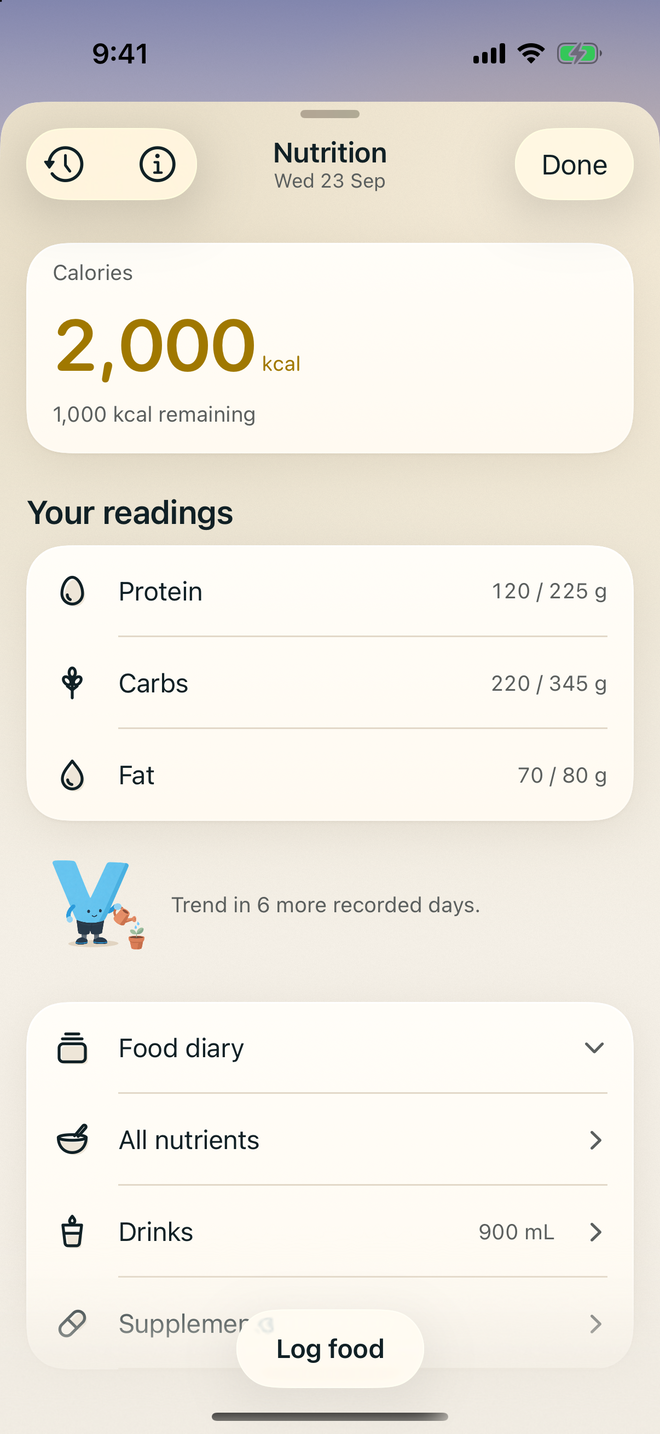
Search or scan a food, then see calories, protein, carbs and fat for the day.
Screens show Vital 3.2.13 with example data. Some readings need supported Apple Health data.
Your data. Your choice.
Choose what Vital can read from Apple Health. Use it without an account, or turn on optional cloud sync. Your health details are never used for advertising.
Read our privacy policyNo. You can log workouts, food and daily habits on iPhone. A compatible wearable can add readings through Apple Health. Some readings need enough supported data before they appear.
No. You can start without creating an account. An account is needed for optional cloud sync and lets you connect your Vital account across devices.
Available plans, current prices and any trial eligibility appear in the app before you purchase. Apple handles payment. Subscriptions renew automatically unless cancelled; manage them in your Apple account’s subscription settings.
Vital is for general fitness and wellbeing. Its readings are estimates, not a diagnosis or a substitute for advice from a qualified healthcare professional.
